
Trusted MacBook Repair Services | Professional Apple Diagnostics & Fixes
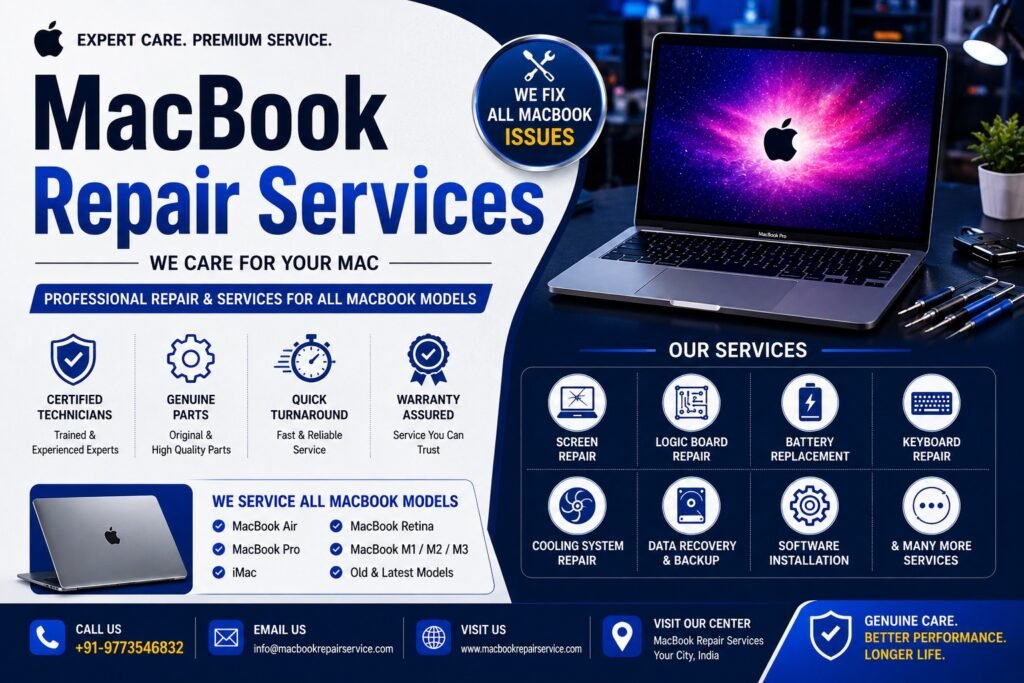
The MacBook’s design focuses on high quality, minimalist appearance and durability. A device is an important tool to have, whether for software development, graphic design, video editing or everyday use. Just like any high-end equipment, however, over time, MacBooks can experience component degradation or software failure, as a result of a fall, liquid spill, thermal throttling, or battery failure.
If the hardware problem is encountered, a specialized technical training is needed for diagnostic testing and repairs. The inside of Apple laptops is fitted with extremely compact and integrated parts, which require exact handling and care, or they could lead to permanent damage to the laptop and the stored data.
Why Choose a Professional MacBook Service Center?
The new MacBooks also feature proprietary designs, such as logic boards with surface mounted parts, high density Retina displays and integrated Apple Silicon systems-on-chip (M1, M2, M3, and M4 series). Third party repair attempts often lead to the failure of the system or higher cost of the parts due to lack of diagnostics or calibrated tools.
A professional Macbook repair service has trained technicians with specialized diagnostic tools that are able to identify hardware problems and get to the core of the problem. All procedures are carried out in accordance with the industry best practices to ensure the stability of the system and long machine life.
Comprehensive MacBook Repair & Hardware Solutions
We provide precise troubleshooting and component-level repairs for both Intel-based and Apple Silicon MacBook Air and MacBook Pro models.
1. Retina Display & Screen Replacement
Productivity is greatly reduced if displays flicker, have dead pixels, vertical lines, damaged backlights, or cracks in the glass. Damaged displays are replaced with top quality screen assemblies to return the screens to the correct colour, brightness and native resolution.
2. Battery Diagnosis & Replacement
If you are having trouble keeping your MacBook charged, if it unexpectedly shuts down, if you get a “Service Battery” warning, or if your battery swells, you need to replace it right away. The highest quality, calibrated batteries are installed to ensure original run-time capabilities and reliable power management.
3. Logic Board Repair & Micro-Soldering
The logic board (or motherboard) is the heart of your MacBook. Board level problems can cause symptoms such as total power loss, no display, unexpected shutdowns and charging failures. Our engineers do not recommend full board replacement, but rather just replacing any faulty integrated circuit (IC), capacitors or resistors by performing micro-soldering to provide a very cost-effective repair solution.
4. Keyboard & Trackpad Repair
Sticky keys, unresponsive input, repeating characters and liquid-damaged key matrix can get in your way. We fix or replace individual keys or keyboards as a whole to guarantee smooth and tactile feedback and dependable input.
5. Water & Liquid Damage Restoration
Untreated liquid spills can cause corrosion to occur very rapidly and can lead to the formation of short circuits. The procedure for our emergency restoration includes fast disassembly, ultrasonic cleaning to eliminate microscopic corrosion, chip-level component replacement and extensive stress testing to increase the chances of complete restoration of the device.
6. Charging Port & I/O Repair
Worn out USB-C or Magsafe connector, charging controller failure, and damaged power adapters are the most typical reasons for charging failures. If it is determined that the problem is in the external port, the internal charging rail or the power management integrated circuit (PMIC), we do not replace any parts until we have been able to make a very precise multi-meter diagnosis.
7. SSD Upgrades & Storage Optimization
We offer high-speed solid-state drive (SSD) replacement and secure data migration services for eligible systems to alleviate performance issues and/or storage capacity constraints, including significantly faster application load times and enhanced overall system response.
Our Systematic Repair Process
We maintain complete transparency through a structured, step-by-step service workflow:
[1. Diagnostic Testing] ➔ [2. Transparent Cost Estimate] ➔ [3. Precision Repair] ➔ [4. Quality Assurance Testing]
- Comprehensive Diagnostics: Technicians run automated and manual hardware scans to locate the exact cause of system instability.
- Transparent Quoting: We present a detailed breakdown of the required components and labor costs for your approval before starting any repair work.
- Precision Repair: Certified engineers repair the device using specialized tools and high-grade replacement components.
- Rigorous Quality Control: Post-repair, every MacBook undergoes comprehensive stability testing, including checks on the battery charging cycle, display uniformity, keyboard input, Wi-Fi connectivity, speakers, and thermal management under heavy workloads.
Technical Data Protection Protocols
Your personal and professional information will be very private. Our technicians carefully follow standard operating procedures that will reduce the risk of data loss when handling hardware. When possible, component replacements are performed without any changes to your files, operating system or applications.
Note: For complex logic board or storage subsystem repairs, we strongly advise maintaining an updated Time Machine backup. If hardware failure has already rendered your data inaccessible, we offer dedicated data recovery services to retrieve your files safely.
Preventive Maintenance Strategies for Longevity
Implementing basic maintenance habits can help prevent premature hardware failure and avoid expensive future repairs:
- Thermal Management: Regularly clean the exhaust vents and I/O ports using compressed air to clear out dust accumulation that causes overheating.
- Structural Safety: Avoid placing heavy objects on top of the laptop shell, and always use a padded protective sleeve during transit to prevent pressure marks on the Retina display.
- Environmental Hazards: Keep your device away from liquids, high ambient humidity, and extreme temperatures.
- Software Integrity: Keep your macOS updated to ensure you have the latest security patches, and avoid installing applications from unverified third-party sources.
Frequently Asked Questions
How long does a standard MacBook repair take?
Relying on the nature of the problem, turnaround time varies. Frequently they can swap out components like batteries or keyboards and it can be done in a day. If the micro soldering is complex or there is extensive liquid damage work, then extra time is needed for accurate diagnostics and stability testing.
Can a liquid-damaged MacBook be saved?
Yes, a high percentage of liquid-damaged MacBooks can be successfully repaired if they are powered off immediately and brought in for professional servicing. Prompt internal cleaning minimizes the spread of corrosion.
Do you service modern Apple Silicon (M1/M2/M3/M4) models?
Yes. Our technicians are fully equipped to diagnose and repair the latest Apple Silicon architectures alongside older Intel-based MacBook Air and MacBook Pro configurations.
Why is my MacBook running hot and losing battery quickly?
Accelerated battery drain and overheating are caused by a few common issues: internal dust buildup choking the cooling system, degraded thermal paste, background processes overloading the CPU, or a chemically degraded battery. A quick diagnostic evaluation will pinpoint the exact cause.
Is my data safe while the laptop is being repaired?
We implement strict hardware isolation workflows to protect your storage drive. However, if your device is still operational, it is always best practice to create a full system backup prior to any hardware service.
Conclusion
MacBook is a high-end investment that promises to deliver high performance, reliability and productivity. But even the most high-tech Apple gadgets can malfunction after some time. When you trust a MacBook Service Center, you’re sure to get the right diagnostics, expert repairs, and top-tier replacement parts, all from a team with a deep understanding of Apple’s intricate hardware design.
Professional servicing can restore optimal performance on MacBooks, whether they need a Retina display replacement, battery replacement, logic board repair, liquid damage restoration, SSD upgrade or advanced chip-level diagnostics it helps to preserve valuable data. If you buy MacBook from a reputable company, you can rest assured that your MacBook is in the hands of a reputable company that has an excellent repair procedure and they are transparent about their pricing.